5 min to read
From Zero To Mini Homelab
Introduction
This homelab is a compact infrastructure project built as a practical way to learn networking, virtualization, self-hosting, and service operations by running real systems at home. I wanted something small enough to live in a mini rack, cheap enough to justify, and useful enough to keep.
Design Goals
- Keep the footprint, noise, and power draw low.
- Build around real services instead of synthetic demos.
- Separate edge services from virtualized workloads.
- Prefer repeatable operations over hand-built snowflakes.
- Make the stack useful for day-to-day life as well as experimentation.
Architecture Overview
Physical
The physical build is centered on the DeskPi T0 10-inch mini rack. The rack is mainly a packaging solution. It keeps the footprint compact, keeps the wiring under control, and gives each device a clear place.
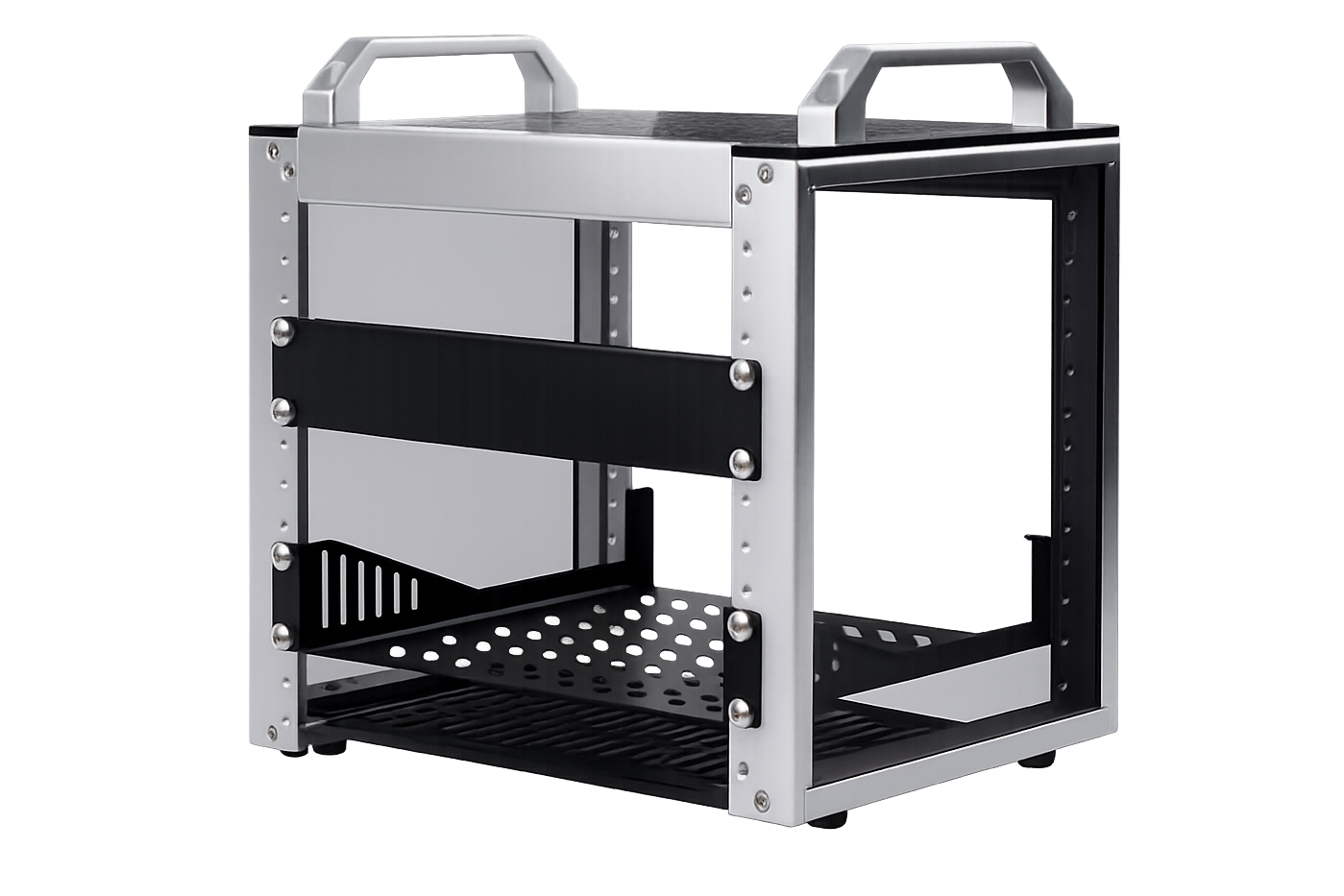
The main hardware choices are:
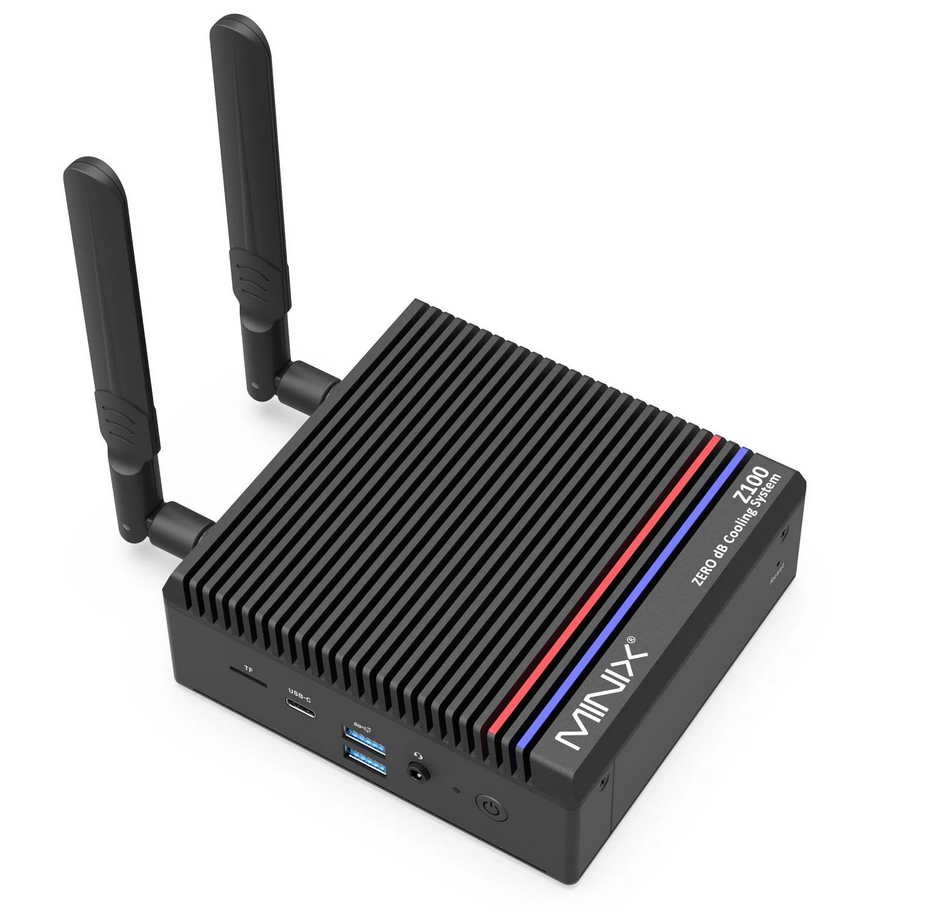
Minix Z100as the Proxmox hostRaspberry Pi 5as the edge nodeMikrotik CSS610-8G-2S+INas the switch
The Minix Z100 made sense because it is quiet, low power, supports virtualization, has enough RAM for a small Proxmox footprint, and fits the overall size constraint.
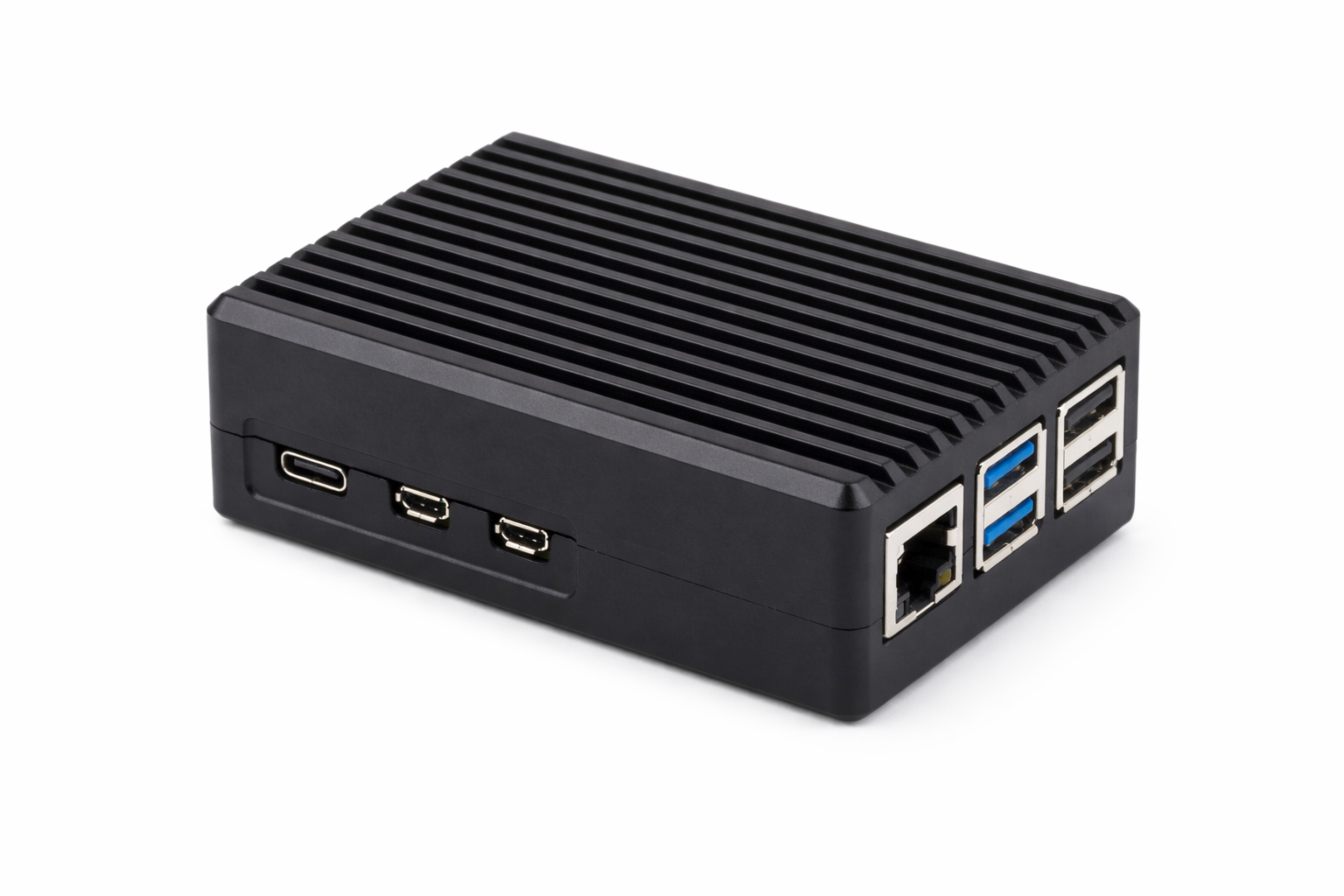
The Pi fills a different role. It is there because some services should be simple, stable, and independent from the hypervisor. Keeping them off the Proxmox host makes maintenance less disruptive.
Project MINI RACK
Software & Services
Deployment Model
It is possible to run almost everything in one virtualized stack, but some services are easier to manage on bare metal and others are a better fit for Proxmox.
-
Bare Metal: Services that require low latency, direct hardware access, or high availability are best run on dedicated hardware. This includes networking components like routers, NAS systems, and DNS servers that must always be available.
-
Virtualized: Services that benefit from scalability, snapshots, portability, and resource sharing are ideal for virtualization. These include applications like media servers, password managers, and smart home hubs that can be easily moved or backed up.
Isolation matters as well. Keeping edge services off the hypervisor reduces the impact of Proxmox downtime and keeps the boundaries easier to reason about.
Core Compute and Guests
Proxmox runs on the Minix and carries the main workloads.
The current guest layout is:
100Home Assistant101Plane102internal-servicesLXC104OpenClaw105Jellyfin
There is also a separate Vibes workstation target used as a playground machine for developer tools, remote workflows, and agentic experiments.
The guest layout follows separation of responsibility rather than trying to maximize density.
Home Assistant gets its own VM because it is a core household service and benefits from being isolated from the rest of the application stack.
Plane, OpenClaw, and Jellyfin are separate because they have different risk profiles, resource patterns, and operational concerns. Combining them would save some setup work up front, but make the stack harder to manage later.
internal-services is the shared utility guest.
That LXC holds the shared utility layer:
- Caddy
- the React dashboard
- Vaultwarden
- Uptime Kuma
- the dashboard API
This creates a clear front door for the homelab. Instead of remembering which IP and port belongs to which service, most internal names resolve to the shared internal-services host and Caddy proxies traffic to the right destination.
Edge Services
The Pi is the edge box.
It runs:
- AdGuard
- WireGuard
- the backup runner scheduler
AdGuard belongs here because local DNS is foundational. Once friendly hostnames become part of daily use, it is inconvenient to tie them to the availability of the hypervisor.
WireGuard belongs here for the same reason. Remote access is more reliable when it does not depend on the virtualized stack being healthy first.
The backup runner scheduler also sits here because the Pi is the simplest always-on coordinator.
Automation and Management
The homelab repository is the source of truth and the environment is managed with Ansible. Once the number of moving parts increased, manual setup stopped scaling well.
Ansible helps because it forces the environment to be described explicitly:
- inventory
- group variables
- bootstrap flow
- service playbooks
- backup targets
- restore workflows
In practice, this makes the system easier to rebuild and easier to inspect.
Network Infrastructure
The local DNS space is built around home.arpa. Most of those names intentionally point at the shared Caddy front door on internal-services, which then forwards traffic to the real guest or service. This keeps URLs simple and avoids a growing collection of IP-and-port bookmarks.
The network is not fully where I want it yet. There is already an IoT VLAN elsewhere, but the homelab service side still needs stronger segmentation between shared internal services, app guests, and more experimental workloads.
Home Dashboard
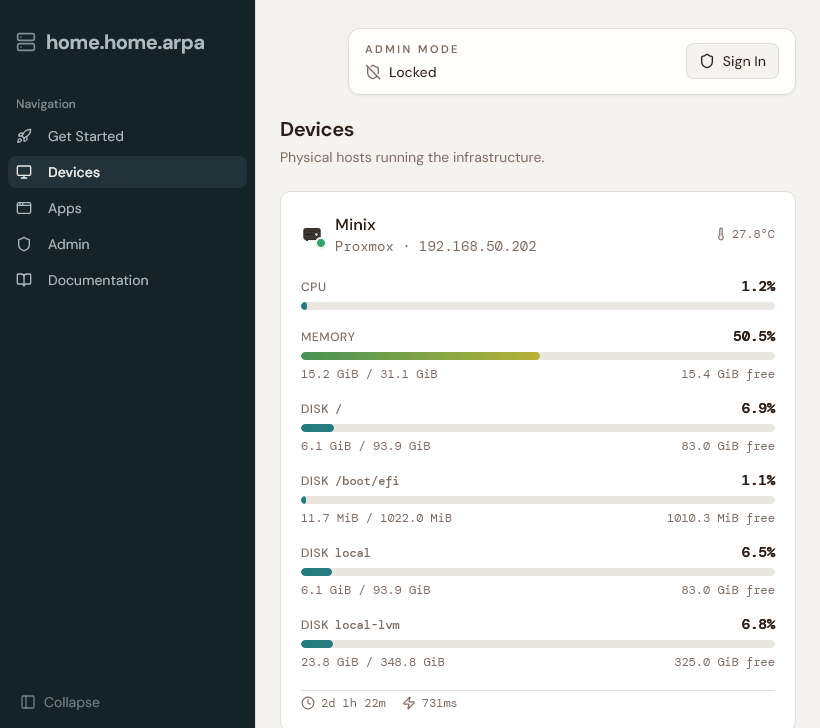
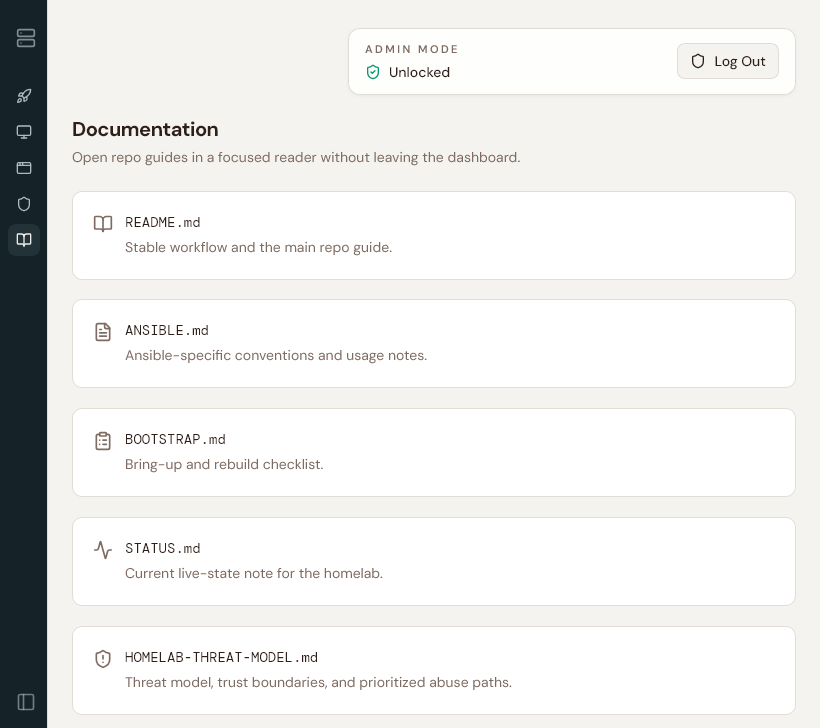
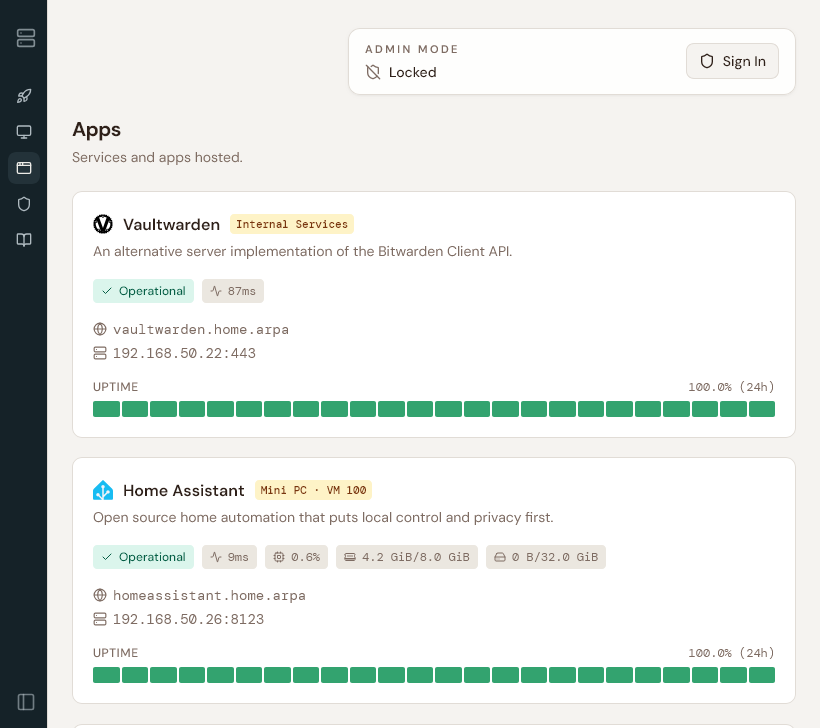
The dashboard at home.home.arpa ties together the utility side of the homelab. The device cards surface runtime information like CPU, memory, disk, uptime, latency, and temperature when available. Service cards are tied into Uptime Kuma so the page reflects monitored state instead of assuming every link is healthy.
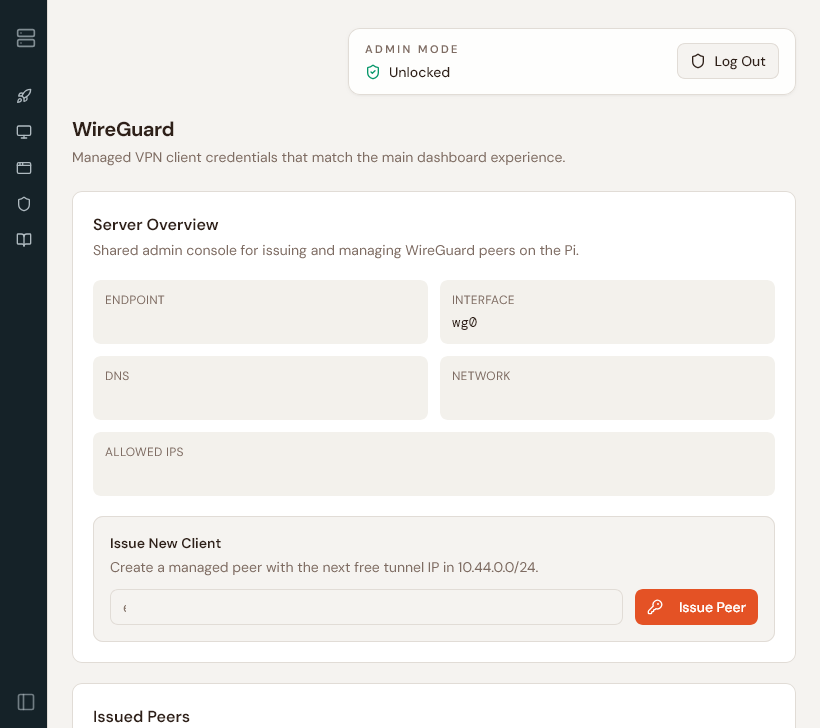
There is also an authenticated WireGuard management surface that can issue, revoke, regenerate, and re-download client configs and QR codes.
Open Questions
- stronger segmentation between core services, app guests, and playground workloads
- more explicit hardening pass for OpenClaw
- NAS solution
- Constraints: size, creature comforts, PCI-Express lanes, price acceleration in storage space
https://maraudersmag.com/nas-build/
https://www.printables.com/model/1523936-zimaboard-2-rack-mount
https://deskpi.com/products/deskpi-rackmate-t0-plus-rackmount-10-inch-4u-server-cabinet-for-network-servers-audio-and-video-equipment
https://www.exaviz.com/product-page/cruiser-carrier-board-v1-0